Returns & Exchanges
How to Manage Shopify Size and Variant Exchanges
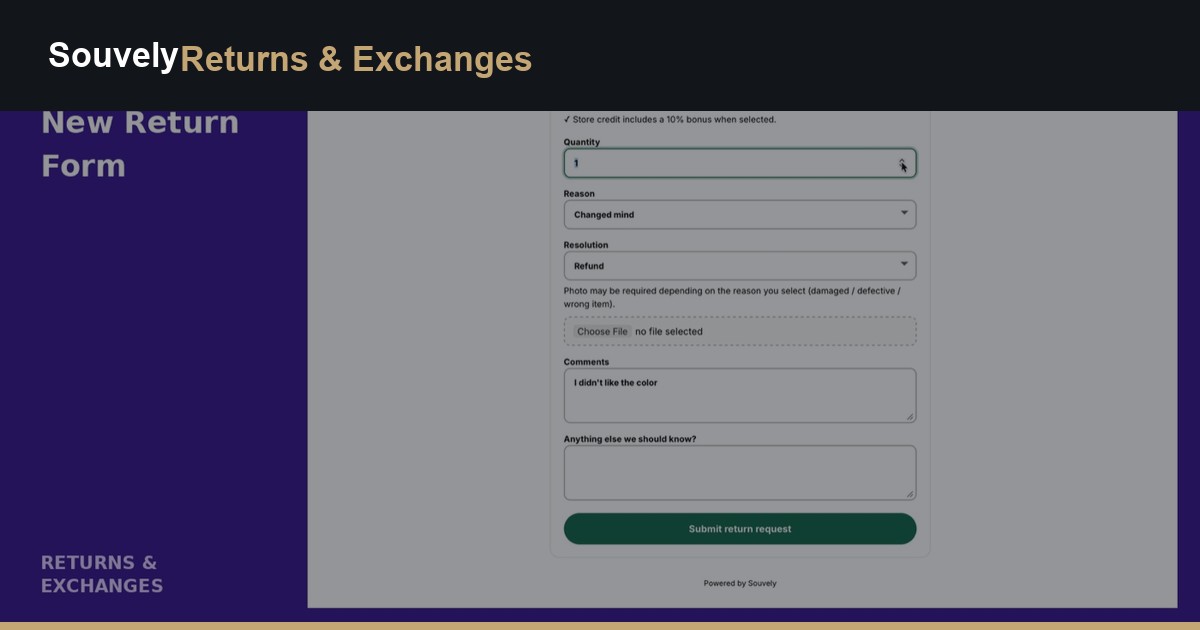
Size and color swaps are the classic “please don’t refund me—just send the other variant” case. The failure mode is familiar: shopper emails “need Large,” support guesses the SKU, inventory is wrong, and you still issue a refund.
Souvely supports Exchange for variant (same product, different variant) and Exchange for another product (Shop Now / catalog). Same-product variants can be preloaded in the portal so the shopper picks before submit.
Step 1 — Merchandising prerequisites
- Variants must exist and be purchasable in Shopify (size/color options configured).
- Inventory policies should reflect whether you allow exchange onto low-stock variants.
- Publish a short fit note on PDPs to reduce preventable exchanges—process software does not fix bad size charts.
Inventory and availability limits
- Replacement pickers load variants that Shopify marks available for sale. Out-of-stock (not available for sale) variants are filtered out of the chooser.
- If no other variants are available, the portal surfaces that there are no other variants for the product—shoppers cannot invent stock.
- Approving an exchange does not create inventory. If stock changed between submit and approve, staff should reject or ask the shopper to pick another available option before promising shipment.
- Continuity / oversell settings in Shopify still apply to how “available for sale” behaves—Souvely does not override Shopify inventory rules.
Price differences
- Even swaps (same price) are the simple case.
- Higher-priced replacements may produce an invoice-due suggested outcome from Shopify.
- Lower-priced replacements may suggest a refund of the difference.
- Train CS to read Shopify’s suggested financial outcome at process time—Souvely does not keep a separate price-adjustment ledger.
Step 2 — Allow variant exchange in rules
- In Souvely → Rules, include Exchange for variant in allowed resolutions for apparel/footwear collections.
- Exclude final-sale or made-to-order SKUs.
- Optionally prefer exchange by limiting refund on those collections (where policy allows).
Step 3 — Shopper flow (same product)
- Open
/apps/returnsand look up the order. - Select the item.
- Choose reason (for example Wrong size).
- Select Exchange for variant and pick the target size/color.
- Submit.
If exchange is selected without a replacement variant, Souvely returns a validation error—by design.
Step 4 — Another product (optional)
When policy allows swapping into a different style:
- Shopper chooses Exchange for another product.
- Uses Shop Now / catalog search to pick a replacement variant (again limited to available-for-sale options in the catalog helpers).
- Submits with that exchange intent attached.
Treat Shop Now as available in code; validate the browse UX on your catalog density before promising it in onboarding emails.
Step 5 — Merchant approve → Shopify return
- Confirm the target variant is still acceptable (price delta, inventory).
- Approve; Souvely creates the Shopify return including exchange lines.
- Process when your receive/inspection rules say so.
- Watch for invoice-due style outcomes when Shopify’s suggestion indicates the shopper owes a difference—handle per Shopify’s financial outcome, not a shadow ledger.
Plan notes
- Variant/product exchange processing is part of core returns across plans.
- Free: 5 new requests/month after trial.
- Growth/Pro: unlimited requests; Pro adds white-label, exports, fees/limits tools that help high-volume exchange programs.
Hypothetical example
Example (illustrative): A denim brand enables variant exchange only on jeans. Shoppers pick waist/length among in-stock options. Support re-checks stock at approve time; if the target sold out, they reject with a note to choose another available size—or offer store credit—still faster than reconstructing the thread from email.
Common mistakes
| Mistake | Fix |
|---|---|
| Exchange resolution without variant UI testing | Place a test order and complete a portal exchange |
| Allowing exchange on one-size personalized SKUs | Exclude via tags / final-sale style rules |
| Ignoring price differences | Train CS on Shopify suggested outcomes / invoices |
| Promising instant ship of the new size pre-approval | Keep approve → process sequencing in customer copy |
| Promising an OOS size because “we’ll restock” | Only offer available-for-sale variants; communicate delays outside the portal |
Related reads
Also useful: Returns product page
Run size and variant exchanges on Shopify with Souvely Returns & Exchanges. Explore the app—30-day full-access trial on first install.